— For kids
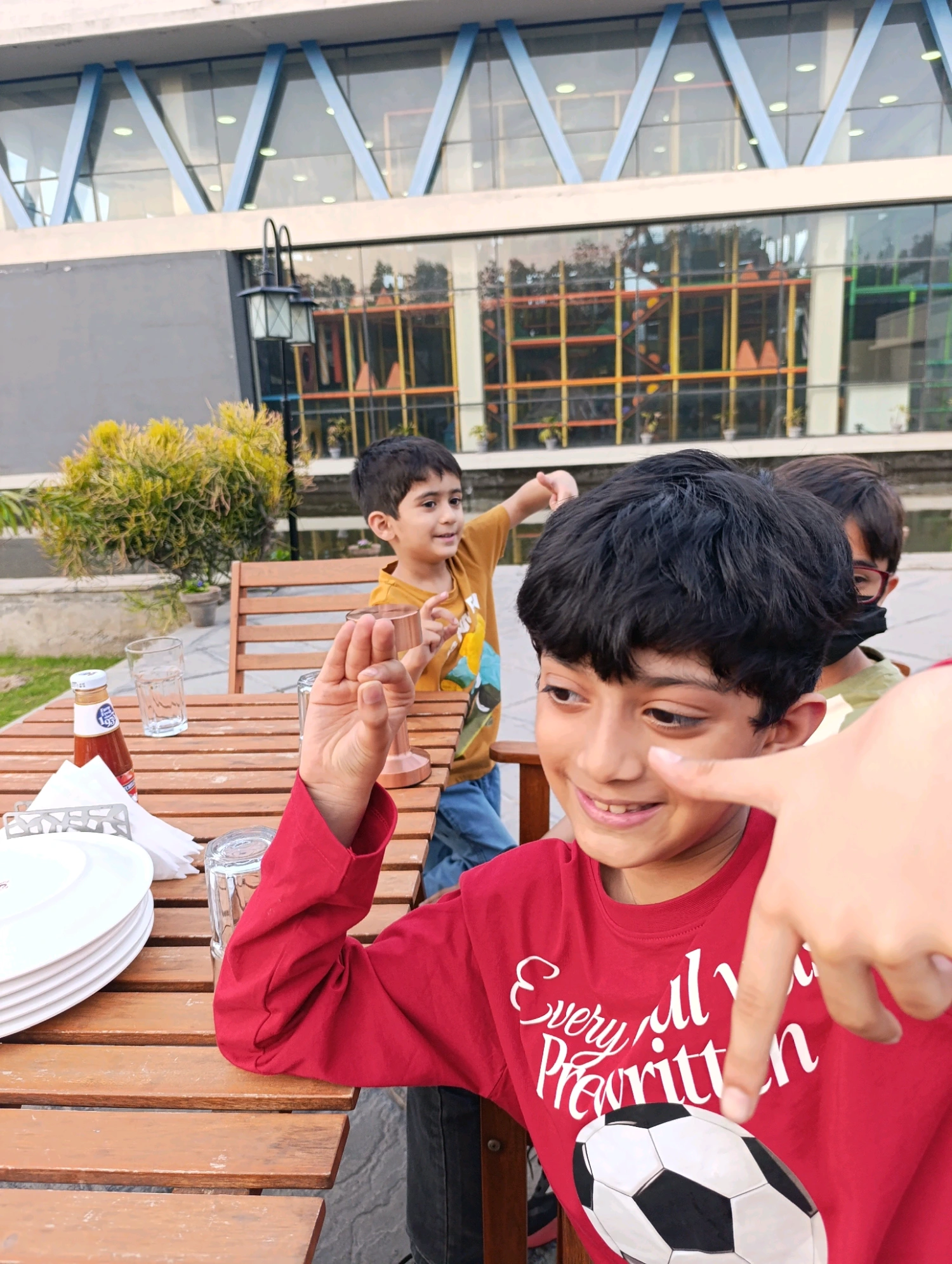
A coloring page made from their own world.
Turn a photo of their pet, their bedroom, or a family vacation into a print they can color in at the kitchen table.
Photo → coloring page · iOS & Android
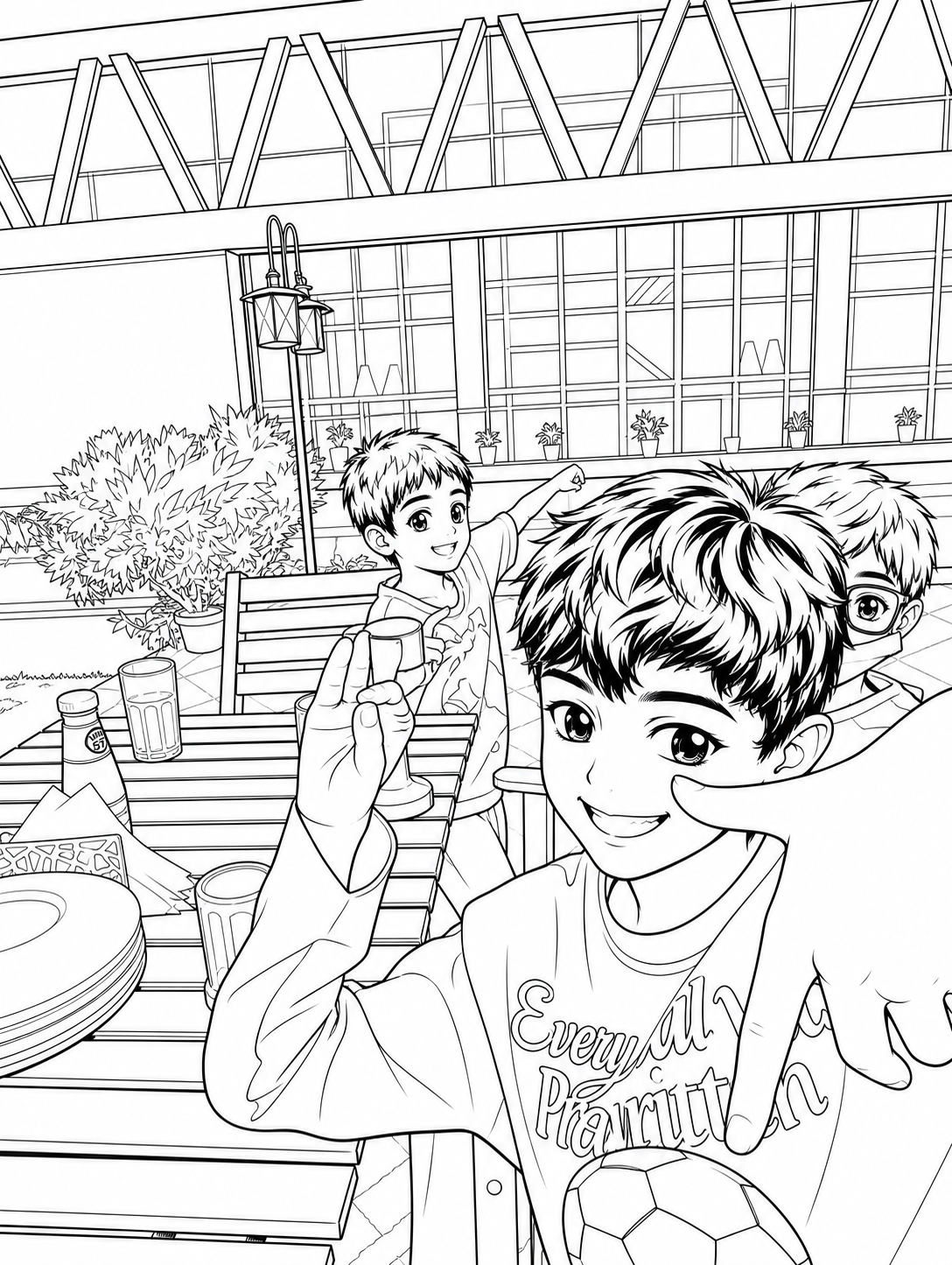
Lineora turns any photo into a print-ready line drawing in seconds. Many styles, and a library that follows you to any device. No subscription, no recurring charges — just pay-as-you-draw credit packs.
Many styles
Each style is its own model, trained for a different texture. Switch between them mid-render; the result is cached, so comparing is instant.
Continuous outlines, no shading. The cleanest read — best for kids' coloring pages.
Soft graphite texture with light cross-hatching. Reads as a study, not a stencil.
Bold weighted outlines, simplified shading. The look that prints great at any size.
How it works
Anything in your camera roll — a portrait, a pet, a building, a still life. JPEG, HEIC, PNG all welcome.
Contour, pencil, anime. Each renders in seconds. Tap the chip again to compare side-by-side.
Save the drawing to your Photos and share it from there, or send it straight to a friend.
A few of the ways people have used it. Most users find their own.
— For kids
Turn a photo of their pet, their bedroom, or a family vacation into a print they can color in at the kitchen table.
— For artists
Use Lineora the way figurative painters use thumbnails — get the gesture, learn the line, throw it away.
— For gifts
Sketch a wedding photo, a road-trip moment, a grandparent's portrait. Frame the print, write a note on the back.
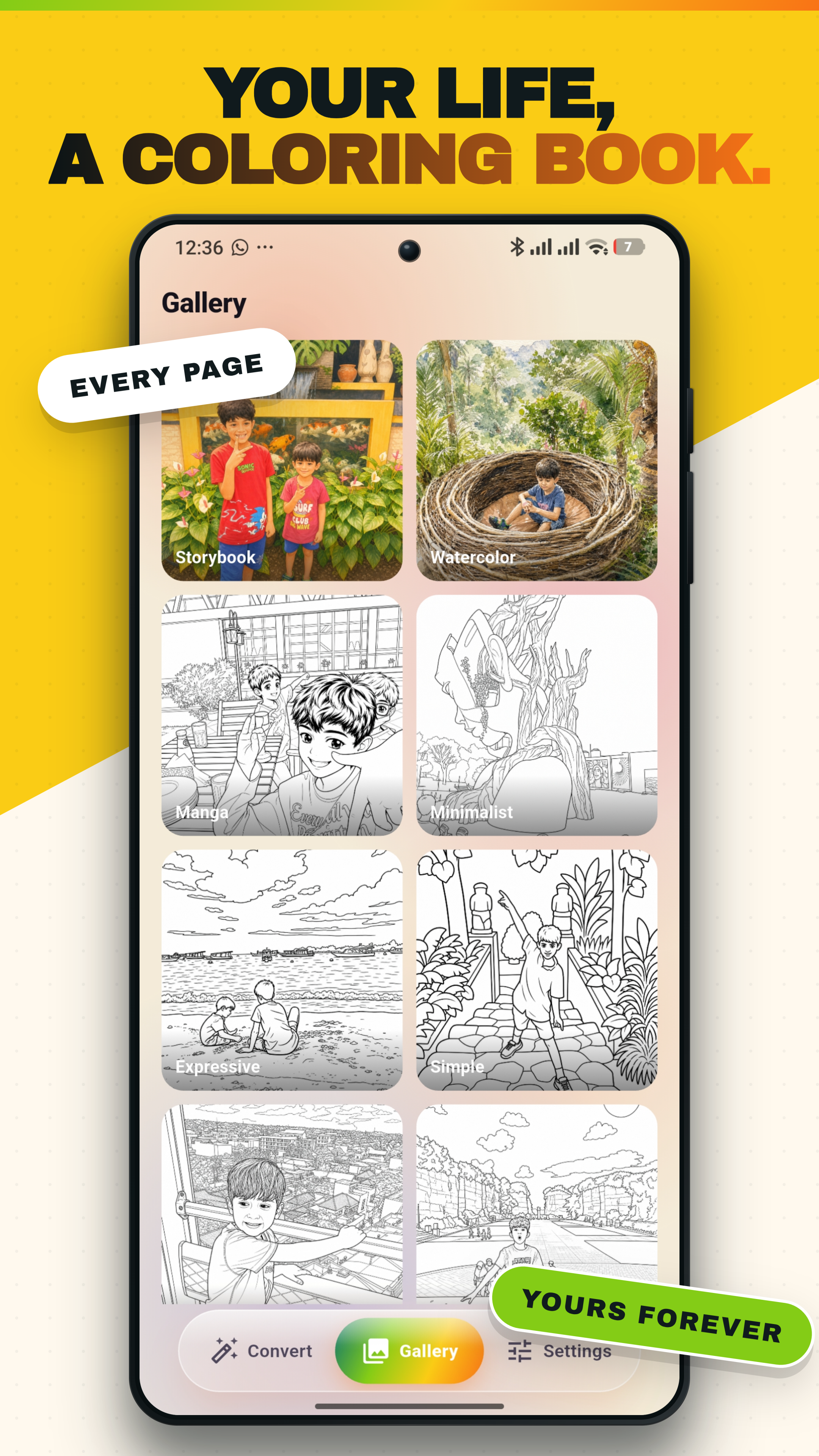
Your library, anywhere
Every sketch you make is saved to your Lineora library and synced to our servers. Switch phones, reinstall the app, or hand it down — paste your recovery code and everything comes back. No email, no password to remember, no account hand-off.
Get Lineora
free for the first two drawings — every install