Lineora / lines from life

Photo → coloring page · iOS & Android

Lines
from life.

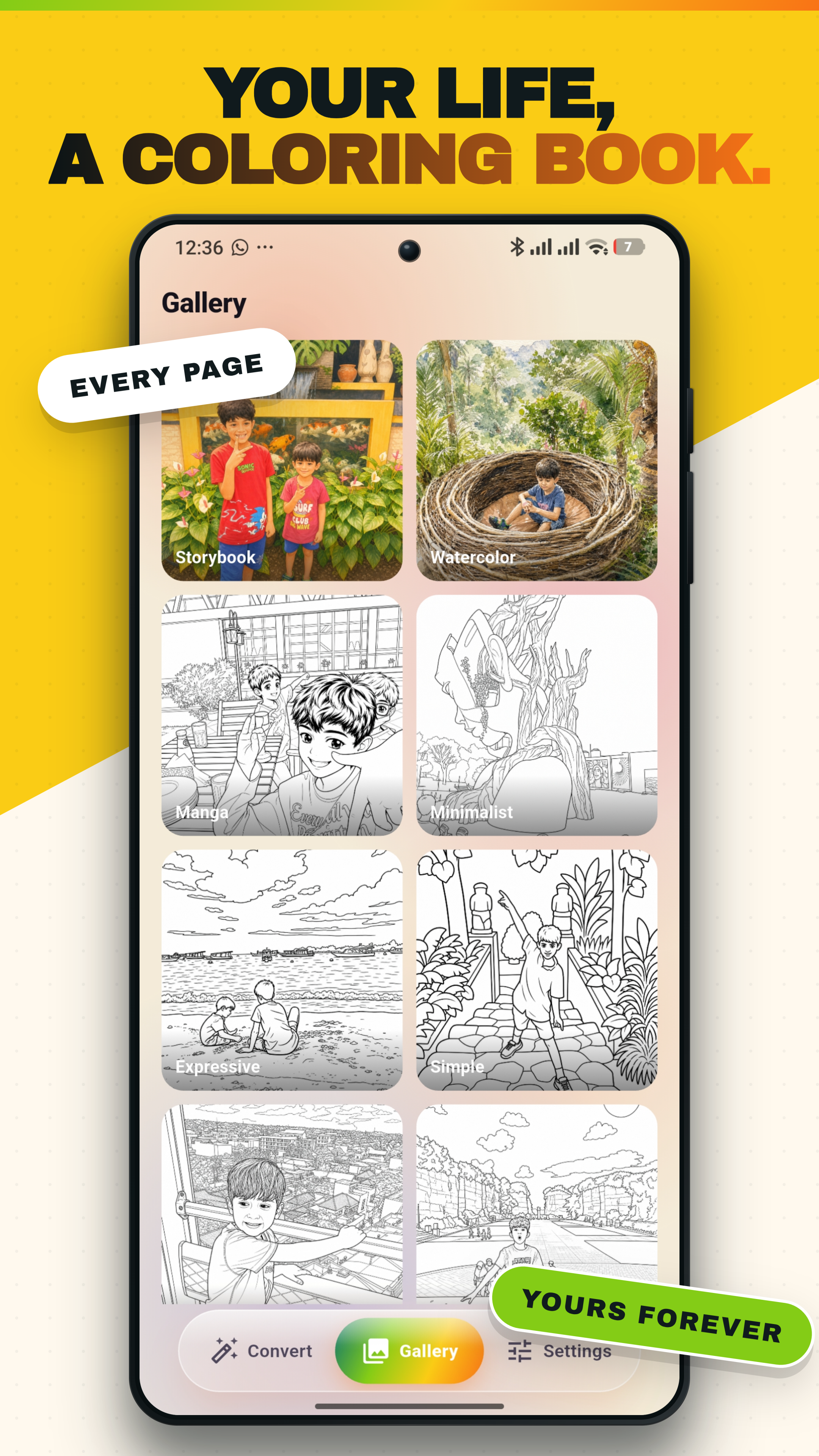
Lineora turns any photo into a print-ready line drawing in seconds. Three styles, on-device inference, exports as PDF. No subscription, no recurring charges — buy a credit pack or unlock unlimited drawings for life.

On-device inference. Photos never leave your phone.

Three styles

Pick the line you want .

Each style is its own model, trained for a different texture. Switch between them mid-render; the result is cached, so comparing is instant.

Contour style

Continuous outlines, no shading. The cleanest read — best for kids' coloring pages.

Pencil style

Soft graphite texture with light cross-hatching. Reads as a study, not a stencil.

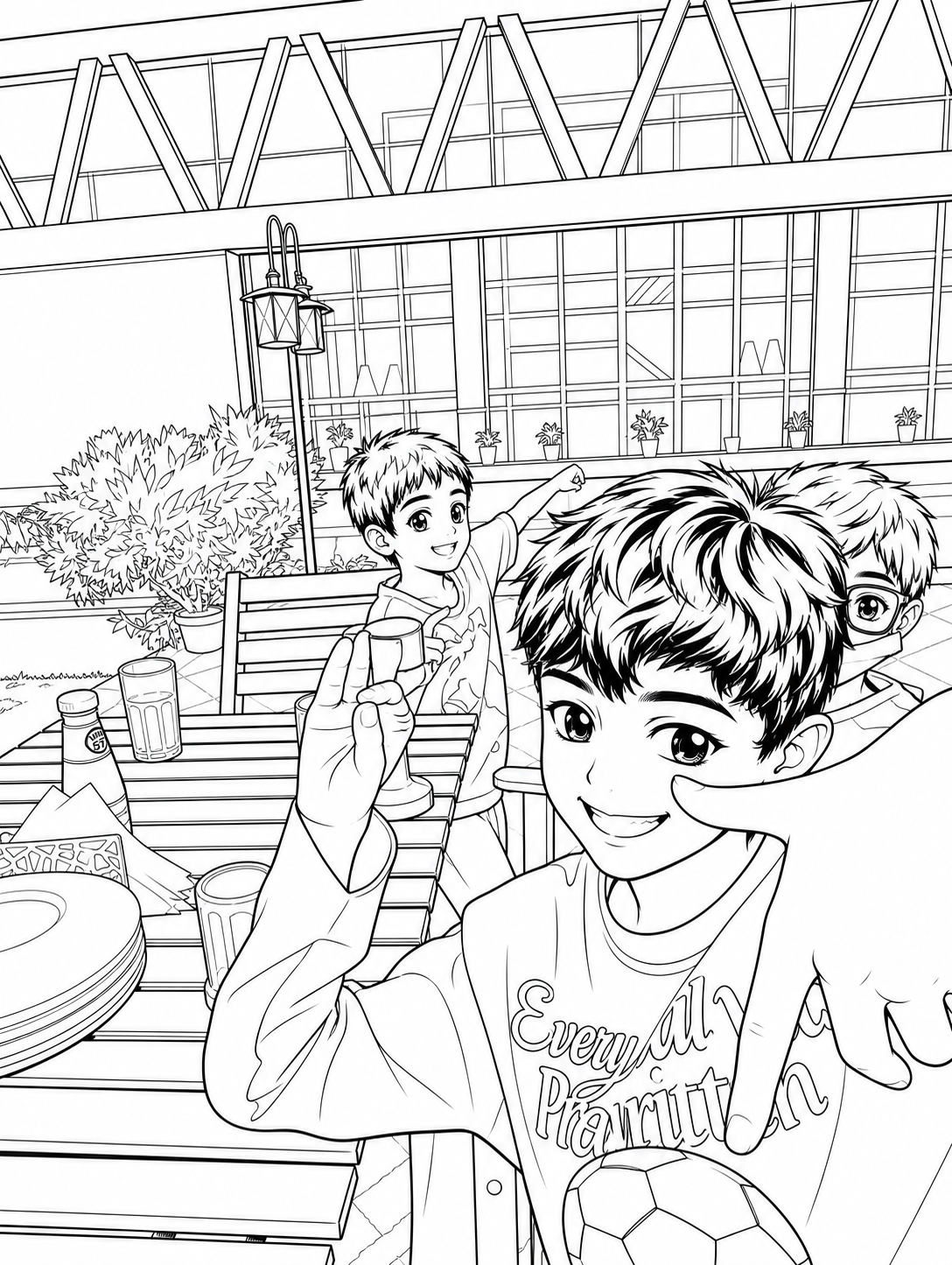
Anime style

Bold weighted outlines, simplified shading. The look that prints great at any size.

How it works

A photo in.
A drawing out.

  1. 1

    Pick a photo.

    Anything in your camera roll — a portrait, a pet, a building, a still life. JPEG, HEIC, PNG all welcome.

  2. 2

    Choose a style.

    Contour, pencil, anime. Each runs in about a second on-device. Tap the chip again to compare side-by-side.

  3. 3

    Print, share, color.

    Export a single page or a tiled PDF coloring book. Save to Photos, send to a friend, or print on plain A4.

Made for hands .

A few of the ways people have used it. Most users find their own.

— For kids

A coloring page made from their own world.

Turn a photo of their pet, their bedroom, or a family vacation into a print they can color in at the kitchen table.

— For artists

Study contours without tracing.

Use Lineora the way figurative painters use thumbnails — get the gesture, learn the line, throw it away.

— For gifts

A handmade keepsake in under a minute.

Sketch a wedding photo, a road-trip moment, a grandparent's portrait. Frame the print, write a note on the back.
Privacy by design

Your photos stay on your phone .

All three sketch styles run locally with ONNX Runtime — there's no server in the loop. The only time a photo leaves your device is if you explicitly choose the optional AI-rendering feature, in which case it travels over TLS to our render proxy and isn't retained or used for training.

  • No account required
  • No tracking SDKs
  • No model training on your data
  • GDPR & CCPA compliant

Pricing

Pay once. Or don't.

Every install starts with two free drawings. After that, pick what fits — credit packs for occasional use, lifetime unlock for everything.

— Credit pack

Pay-as-you-draw

One credit = one drawing. Credits never expire and roll over across installs on the same store account.

  • · Bundles from 10 to 200 credits
  • · Discount tiers at 50 and 200
  • · Cash value is zero; not refundable for cash

from $1.99

— Lifetime

One payment, forever

Unlimited drawings on every device signed into your store account. No subscription, no recurring charges. As long as the App is around, the unlock is too.

  • · All current and future styles
  • · Restore across devices instantly
  • · Family Sharing supported on iOS

$29.99 once

Questions

Frequently asked .

Does Lineora upload my photos?
All three sketch styles run on your phone using ONNX Runtime. Photos never leave your device. (AI rendering, when you choose it, is a separate opt-in feature that uploads the photo over TLS to our render proxy.)
Is there a subscription?
No. There are no recurring charges, ever. You get two free drawings on every device, and beyond that you can buy a credit pack or unlock unlimited drawings for life with a one-time purchase.
What ages is it for?
Anyone 16+. Kids can color in printed pages with a guardian's supervision; the App itself is rated for teens and up.
Where do I print the output?
Anywhere. Lineora exports a single-page PDF or a tiled multi-page coloring book at A4 or US Letter. Use your home printer, a copy shop, or the print kiosk at your pharmacy.

Get Lineora

Start
drawing .

free for the first two drawings — every install